Pikashow APK Security Scan: How to Check It Before Installing
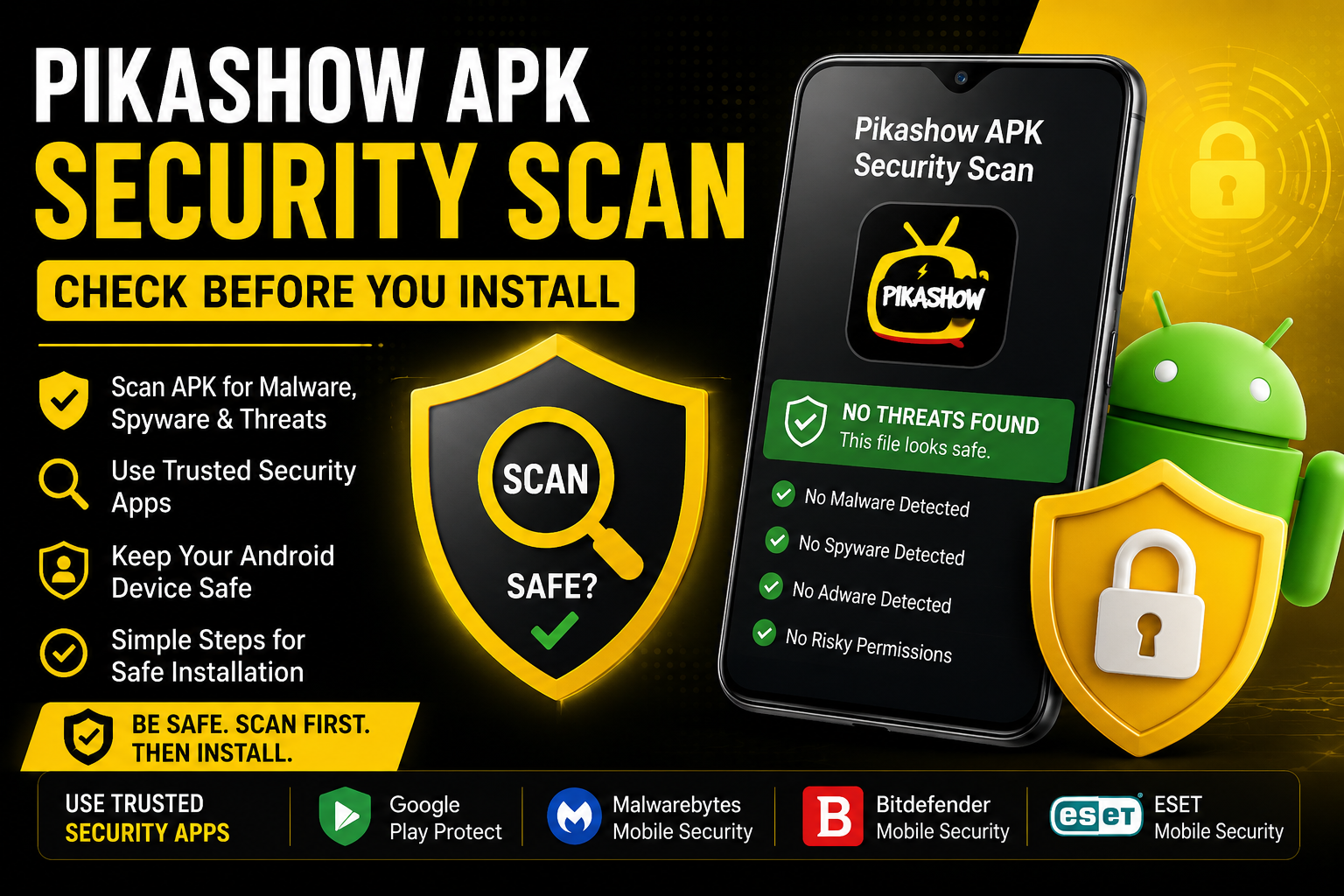
Not sure if a Pikashow APK is safe to install? A wrong APK file may contain malware and be harmful. The easy way to fix, first scan it with Google Play Protect, Malwarebytes, or other scanners. This guide shows how to check an APK, understand warnings, and avoid harmful files.
Why Scan a Pikashow APK Before Installing?
APK files that are downloaded from outside Google Play may contain malware or spyware. Scanning the APK can detect the real problem and solution. A file scan checks the APK itself, while device protection monitors your Android phone after installation. Taking a quick security check can reduce the risk.
Best Security Apps to Scan Pikashow APKs
Google Play Protect
- Built into Android
- Checks apps from unknown sources
- Real-time and periodic scanning
Malwarebytes Mobile Security
- Malware and unwanted app detection
- Can detect threats before installation
Bitdefender Mobile Security
- On-demand APK/app scanning
- On-install protection
- Malware and anomaly detection
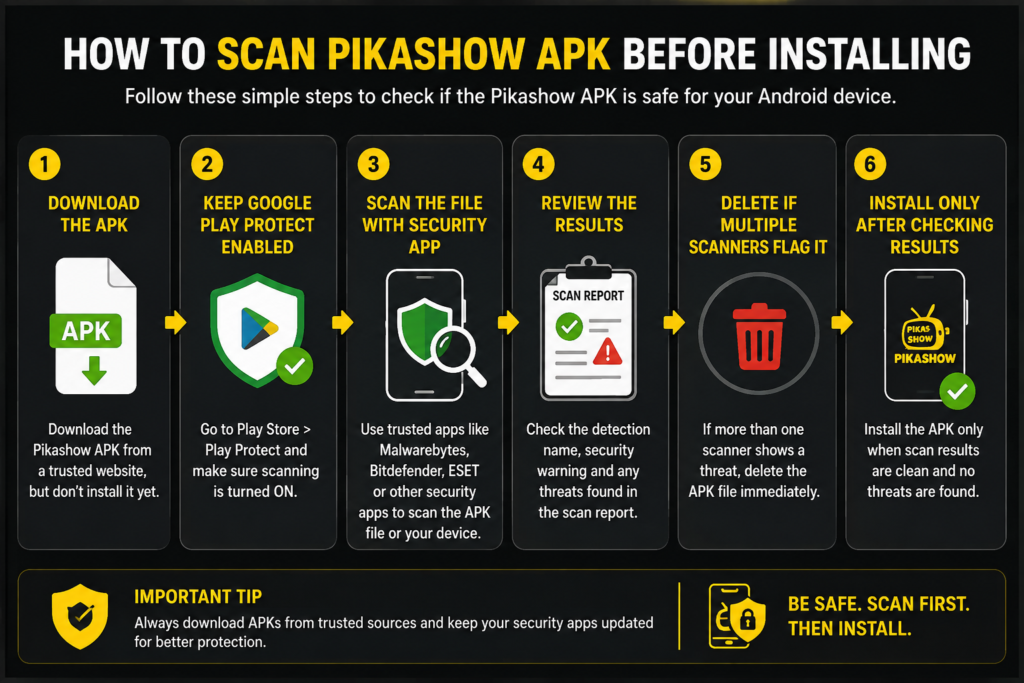
How to Scan Pikashow APK Before Installing
- Download the APK from a site, but don’t install it.
- Keep Google Play Protect enabled.
- Scan the file/device with a trusted security app.
- Review the detection name and security warning.
- Delete the APK if multiple scanners flag it.
- Only install after checking the results.
What to Check in a Pikashow APK Security Scan?
After scanning a Pikashow APK, check the result carefully. Look for malware, Trojan, or spyware warnings. Check if the app asks for unusual permissions. Also, confirm the APK source and version. A changed or repacked file can be risky. If one scanner gives a warning, check the APK with another trusted scanner before making a decision.
What If a Security App Flags Pikashow APK?
- Don’t ignore the warning.
- Check if it is a known threat or a possible false positive.
- Compare results with another scanner.
- Avoid installation when serious threats are detected.
Conclusion
Google Play Protect detector is a good choice for an APK. Malwarebytes can help find malware, while Bitdefender gives extra protection. ESET is useful for quick and detailed scans. Before installing Pikashow, scan the APK with a trusted security app and check the result. This simple step can help you avoid harmful or fake APK files.